Workout Categories
Categories group your workouts by type, which makes it easier to track and analyse your training patterns. Each category has a colour that identifies it in charts and lists.
Managing Categories
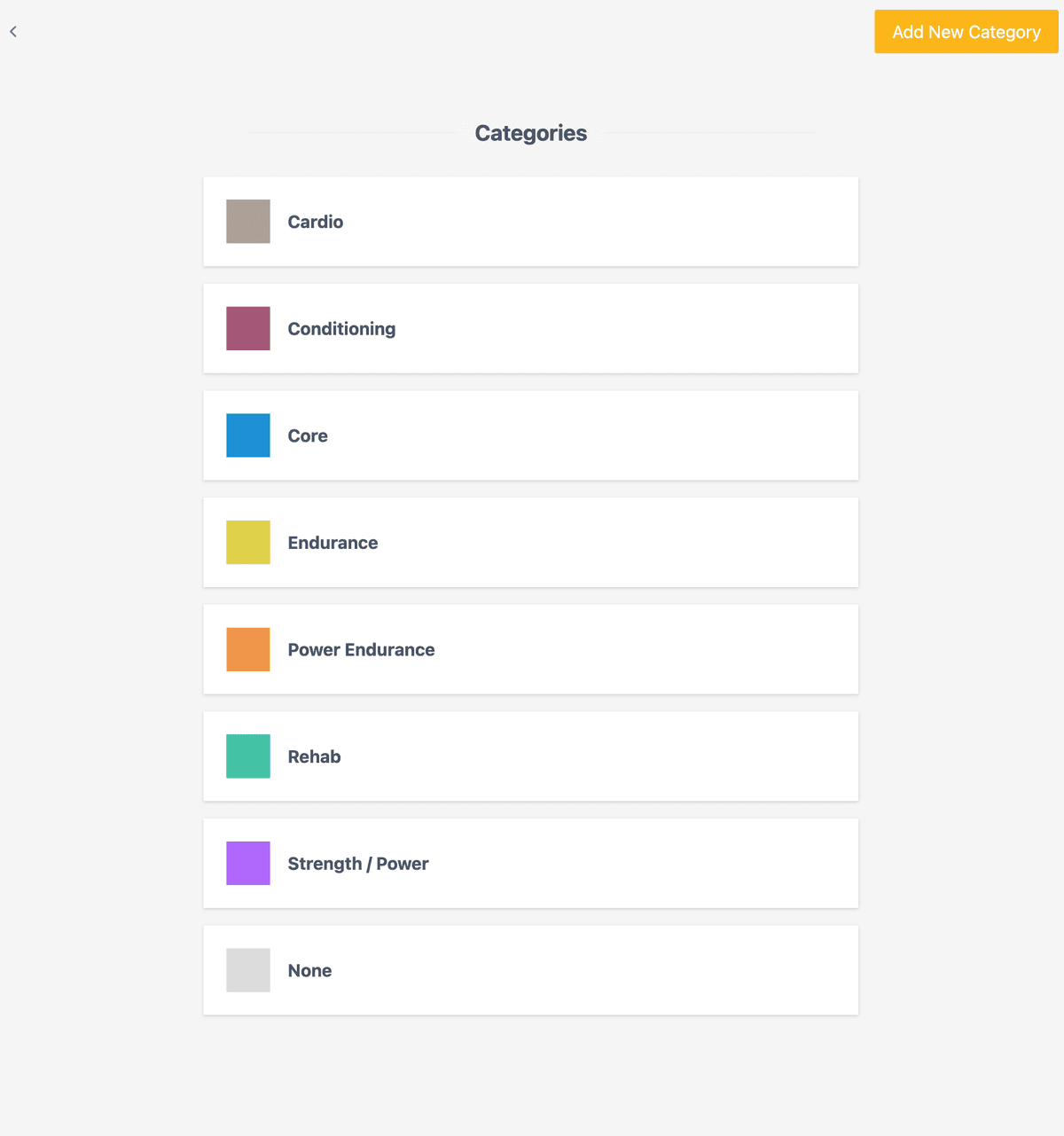
On the Workouts page, open the menu and select Edit Categories to view and manage your categories.
Creating a Category
Click Add New Category
Find the button on the Categories page.
Enter details
- Name — A descriptive label that reflects your training (e.g., “Strength Training”, “Board Climbing”)
- Colour — Identifies the category in charts and lists. Choose colours that are easy to tell apart.
Save
Click save to create the category.
Editing and Deleting
Click the edit icon next to a category to change its name or colour. You can also delete categories you no longer need.
⚠️
When you delete a category, all workouts using it move to “None”. This cannot be undone. The default “None” category cannot be edited or deleted.
Default Categories
New accounts start with these categories:
| Category | Use For |
|---|---|
| Strength / Power | Max hangs, campus, weighted exercises |
| Power Endurance | 4x4s, circuits, intervals |
| Endurance | ARC, long routes, volume sessions |
| Cardio | Running, cycling, conditioning |
| Core | Ab work, stability training |
| None | Uncategorised workouts |
Related
- Workouts — Create and customise workouts
- Training plans — Apply structured training programmes
- Widgets — Add tracking to your workouts