Goals
A goal is something you’re working towards, such as a project, a strength target, or a grade. In Sequence you can create goals and link workouts, notes, and milestones to them, so you can see what you’ve done towards each one.
Creating a Goal
Navigate to Goals
Go to the Goals page and click New Goal.
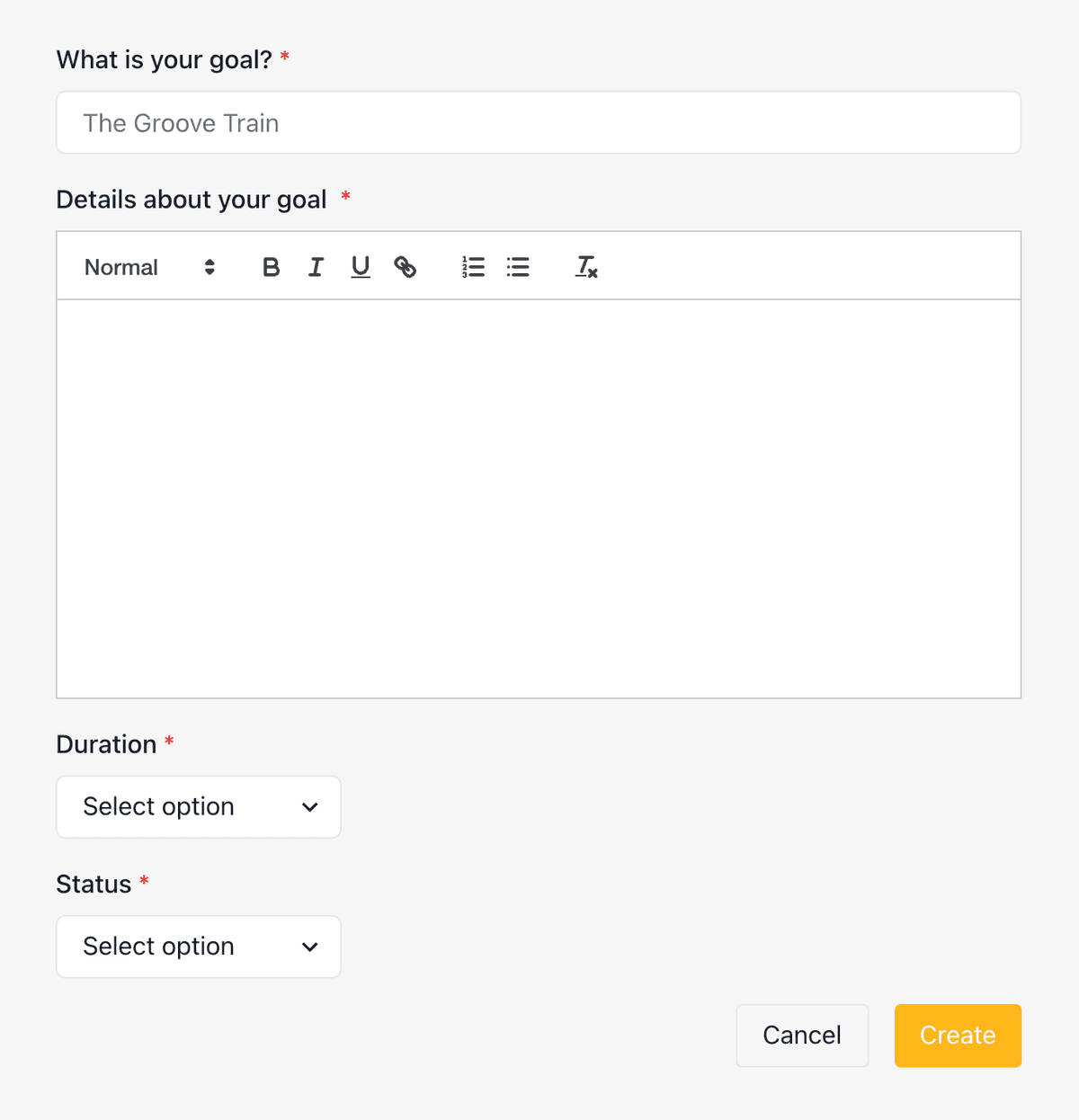
Fill in the details
Enter the required fields:
- Name — What you want to achieve
- Status — Current progress state
- Target — Specific outcome you’re aiming for
- Category — Type of goal (strength, technique, project, etc.)
Set a deadline (optional)
Add a target date. It appears on your dashboard as a countdown.
Linking to Training
To link a workout, open a scheduled workout, open the menu (⋮) in the top right, select Link To Goal, and choose your goal from the list. Milestones and notes work the same way: open the item, open the menu (⋮), and select Link To Goal.
If you link the wrong item, open the workout, note, or milestone and select Unlink Goal from the menu.
Viewing Goal Progress
Open a goal to see all its linked workouts, milestones, and notes in one place. You can also unlink items directly from the goal view.
Example Goals
| Goal Type | Example |
|---|---|
| Project | Send “Midnight Lightning” by end of season |
| Strength | Complete 10 pull-ups with +20kg |
| Volume | Log 100 routes this month |
| Grade | Flash V6 outdoors |
Related
- Metrics — Visualise your training progress over time
- Milestones — Record achievements and link them to goals
- Training plans — Structure your training toward goals
- Creating Good Climbing Goals — Blog post on setting effective goals