Milestones
Milestones mark significant achievements in your climbing. Unlike sends, a milestone can represent any kind of progression, for example:
- Personal best on the hangboard
- Sent a hard moonboard problem
- Repeated a climb after years
- Breakthrough day at the crag
- Completed a project
Adding a Milestone
Open the day menu
Click any day in the planner and select the Milestones option.
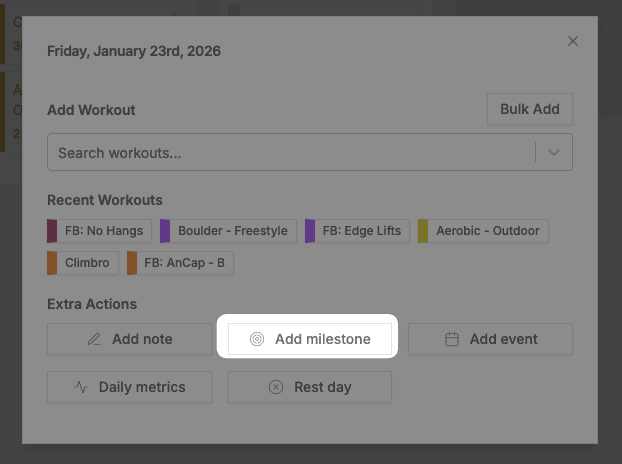
Select Add Milestone
Select Add Milestone.
Fill in the details
Enter the title and details, then click Create.
Milestones appear at the top of the day they’re created on. You can add as many as you need.
Viewing and Editing
Click any milestone to view its details.
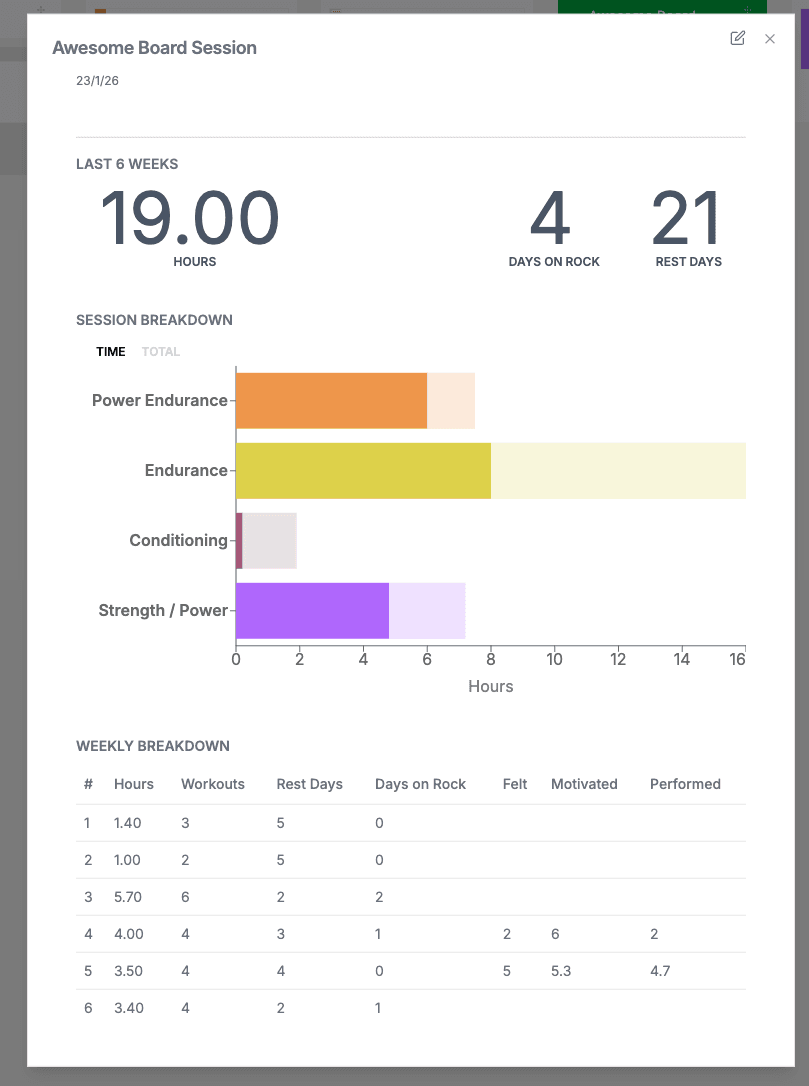
Milestones can also be shown on various metrics graphs. Link a milestone to a goal to keep track of what you did to achieve it.
Related
- Goals — Set targets and link milestones to them
- Notes — Add daily notes alongside milestones
- Training plans — Structure training toward achievements