Notes
Notes capture anything relevant to your training that doesn’t fit in a workout, such as how you felt, conditions, life events, or observations. Together they work as a training diary inside Sequence.
Notes belong to a day, not a workout. To write about a specific session or attach images and videos to it, use the Training Notes section inside the workout instead; see Workout Media.
Adding a Note
Open the day menu
Click any day in the planner and select the Notes option.
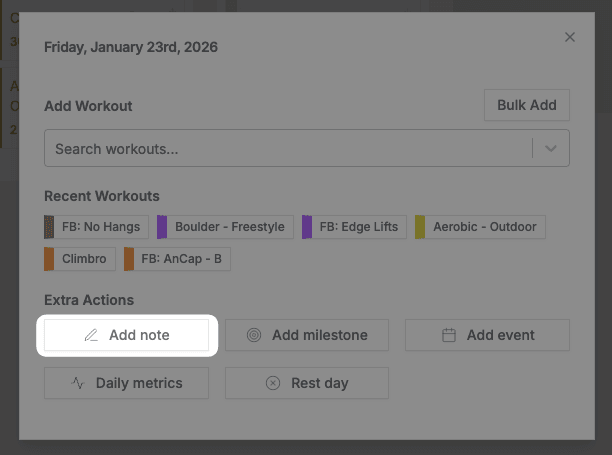
Select Add Note
Select Add Note.
Write your note
Enter your note content and click Create.
Notes appear at the top of the day alongside any milestones. You can add as many as you need.
Viewing and Editing
Click any note to view it. Use the menu in the top right corner to edit or delete it.
You can also link notes to goals to record what you did on the way to a target.
Related
- Milestones — Mark significant achievements
- Goals — Link notes to track progress
- Daily metrics — Record quantitative daily data