Select Widget
Select widgets let you choose from predefined options when completing workouts. Use them for conditions, rock types, mental states, or any other categorical data. For example:
- Rock type (granite, sandstone, limestone)
- Conditions (humid, dry, cold, perfect)
- Skin condition (good, tender, split)
- Mental state (focused, distracted, confident)
Creating a Select Widget
Add the widget
In any workout, click Add Widget and choose Select.
Configure options
Enter a name and add your options. Each option needs a label.
Save
The widget appears in the workout for completion.
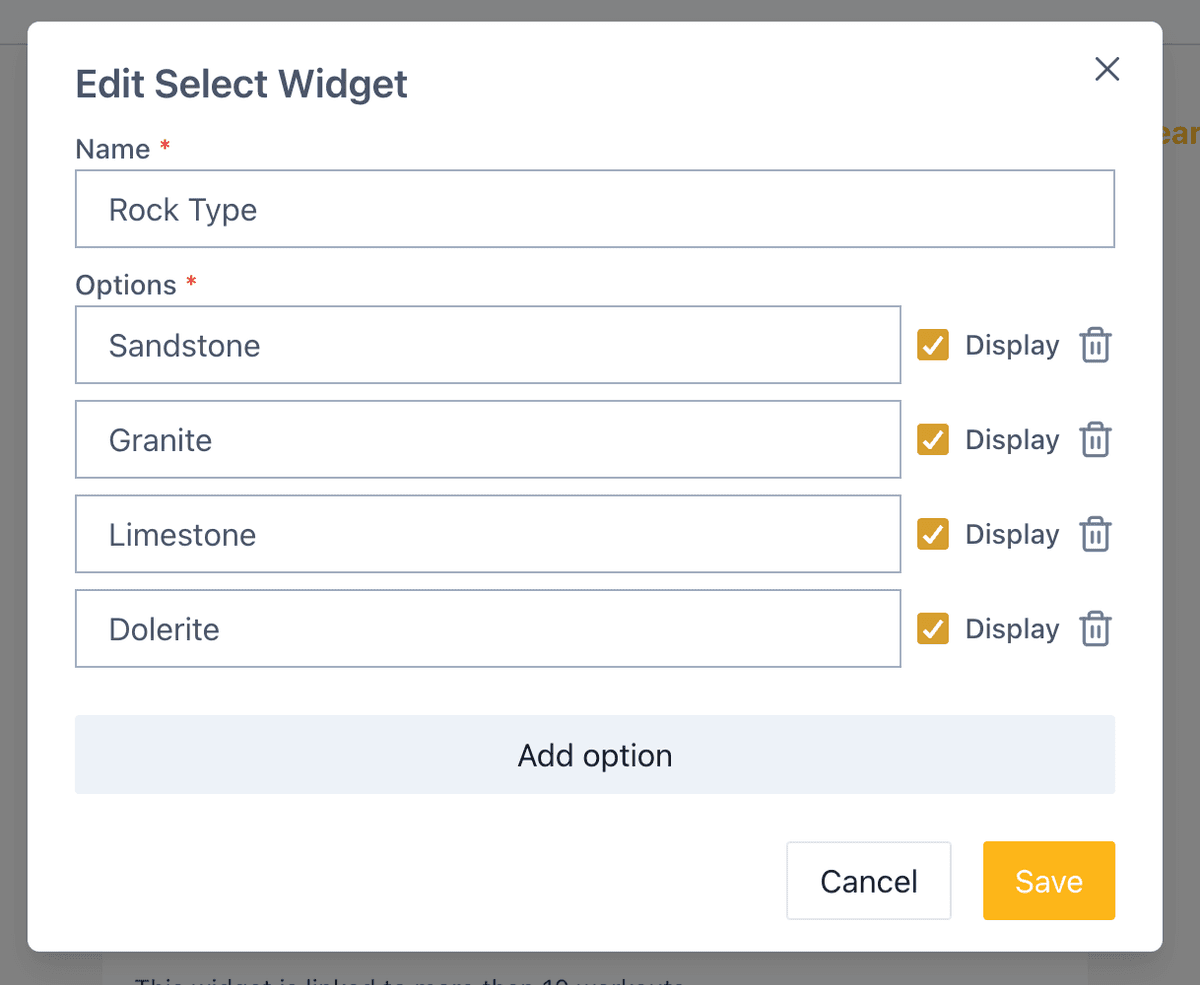
If you no longer want an option, use the display checkbox to hide it from workouts. Its historical data is kept.
Using Select Widgets
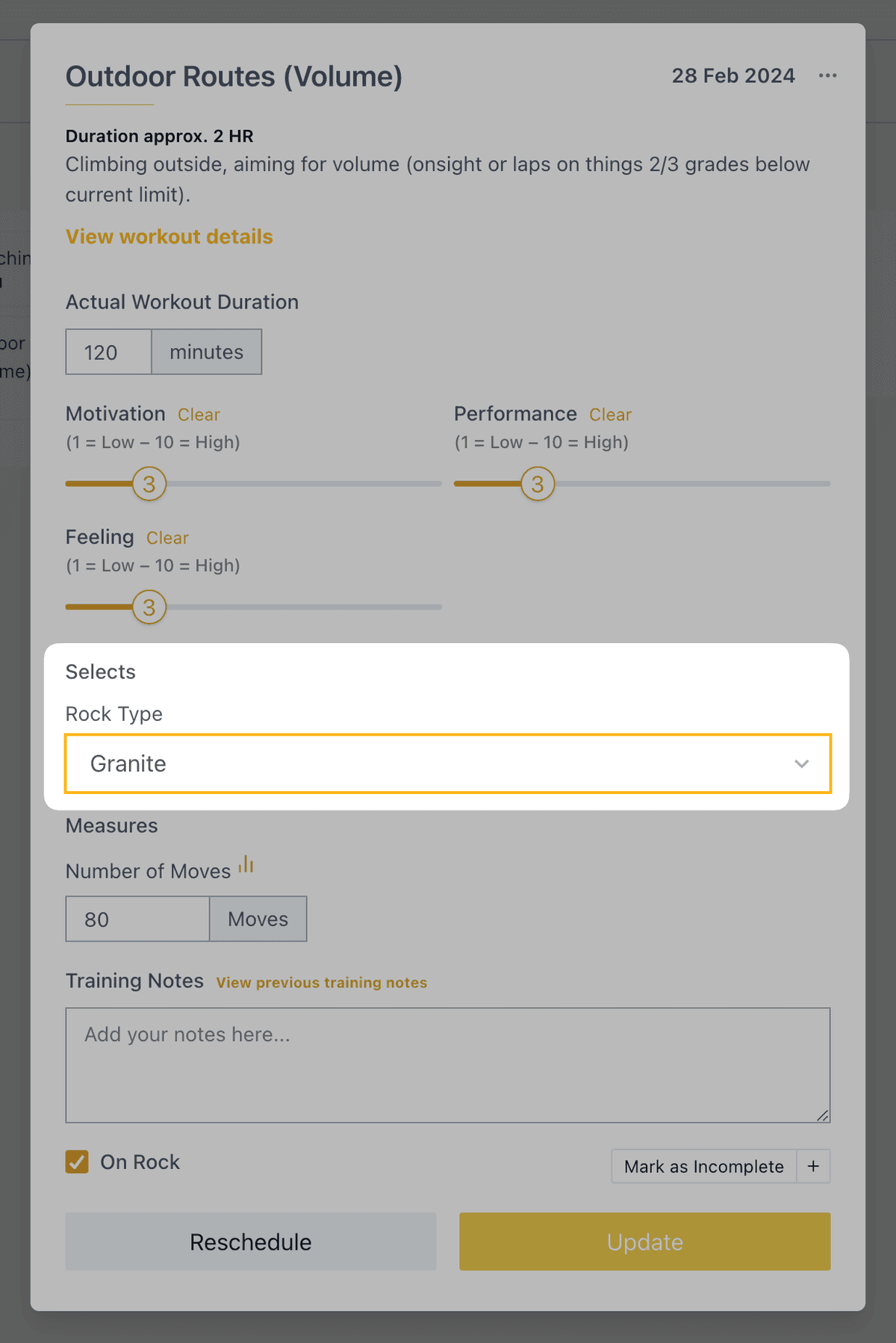
When completing a workout, choose from your predefined options.
Viewing Data
Select widget data appears in Metrics → Custom Select, showing the distribution of your choices over time.
Related
- Slider widget — Rate subjective factors on a scale
- Measures widget — Track numeric data
- Widgets overview — See all widget types