Slider Widget
Slider widgets capture subjective ratings for each workout: how you felt, how you performed, and how hard you worked.
Available Sliders
| Slider | What It Measures |
|---|---|
| Motivated | How motivated you felt before/during the session |
| Performed | How well you executed the workout |
| Felt | Overall physical feeling during the session |
| RPE | Rate of Perceived Exertion (intensity level) |
These sliders come with every Sequence account and can’t be edited or deleted. You control which workouts include them.
Using Sliders
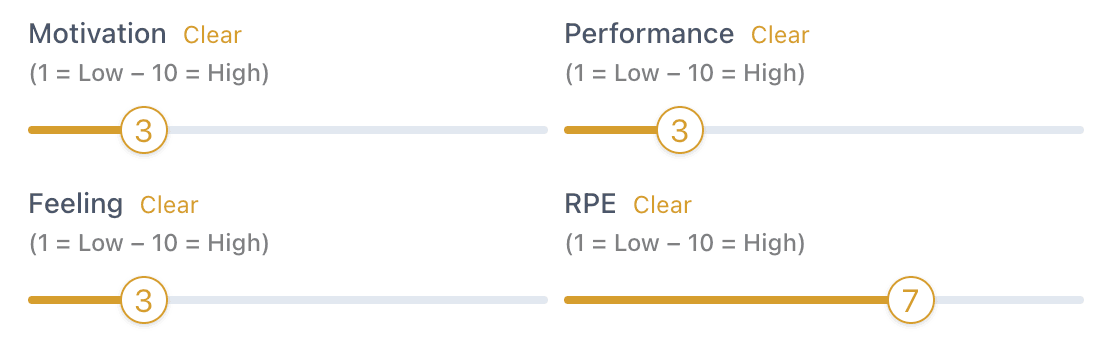
When completing a workout with sliders, rate each one on the scale provided.
Viewing Trends
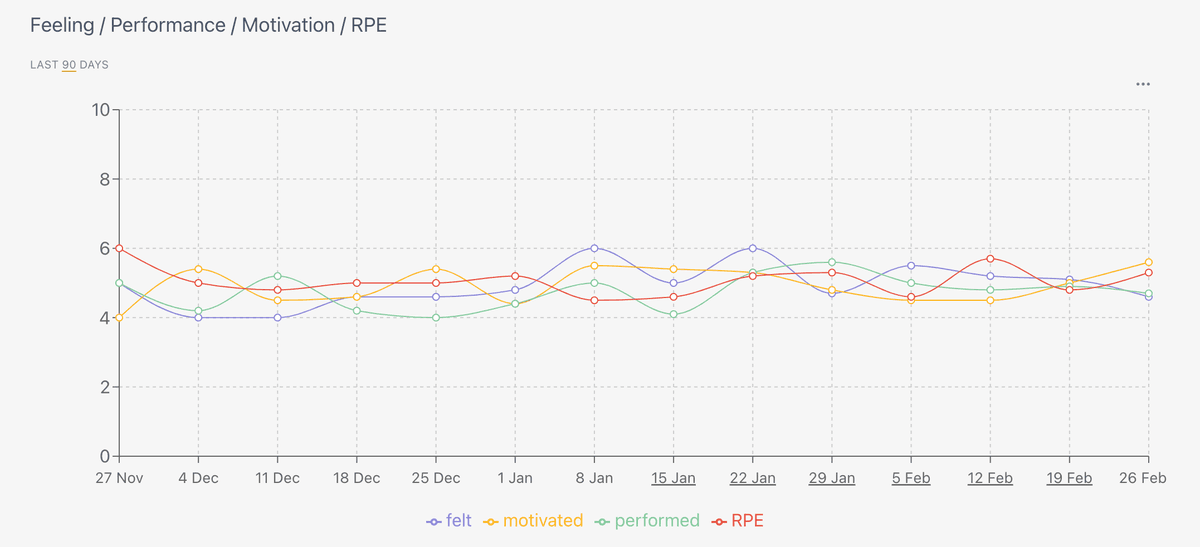
Slider data appears in Metrics → Snapshot, showing your patterns over time. Comparing performance and motivation over time can show you when you climb best.
Related
- Measures widget — Track numeric data like weight and reps
- Select widget — Choose from predefined options
- Logbook — Log climbing sessions